Employee of the Month Certificate Maker & Templates
Recognize outstanding workplace dedication, sales records, and team leadership with our free online certificate creator.
Design distinguished employee recognition certificates for startups, healthcare clinics, retail teams, and enterprise corporations. Personalize staff names, department citations, and executive signatures in your browser with no login required.
How to Make an Employee of the Month Certificate in 4 Steps
Design and download your customized certificate in under two minutes with our zero-friction workflow.
Select an Employee Recognition Template
Pick from modern corporate frames, regal navy-and-gold borders, and executive midnight themes tailored for company town halls and workplace award walls.
Personalize Honoree Name & Milestone
Input the employee's name, department title, awarded month, and a personalized citation detailing their workplace accomplishments directly on screen.
Customize Corporate Colors & Seals
Match your company's corporate palette, toggle brilliant gold medallion seals or rosette ribbon badges, and set up dual executive signature lines.
Download PNG, JPG, or Print-Ready PDF
Instantly export your finished certificate as a vector-sharp 300 DPI PDF ready for mahogany framing, or a crisp PNG for company all-hands slides and Slack channels.
Employee of the Month Certificate Templates
Explore our collection of free employee of the month certificate templates. Engineered for HR managers, department leads, and business owners looking to boost team morale with high-end recognition designs.
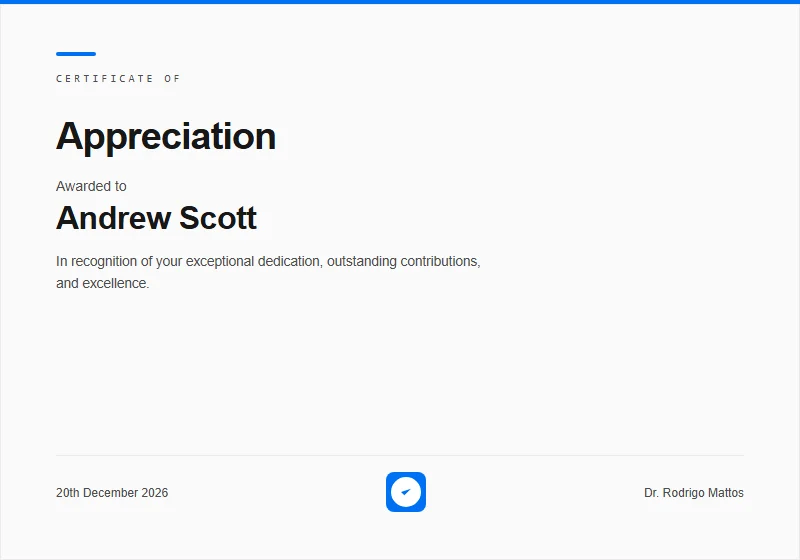 Corporate
 Modern
Contemporary enterprise recognition certificate with clean layout, border accents, and verification badge.
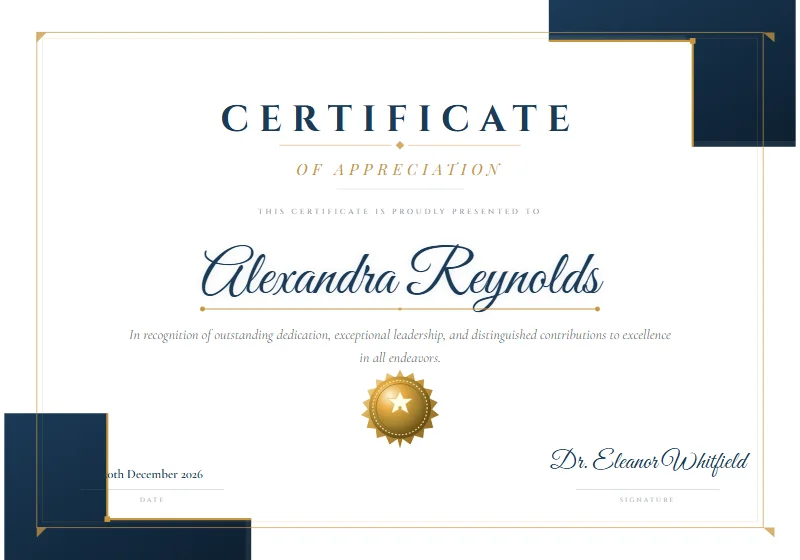 Modern
Navy Gold Frame
White background, navy L-shaped geometric corner blocks, thin gold inner border, Cinzel & Great Vibes typography, and a radial-gradient gold medallion seal.
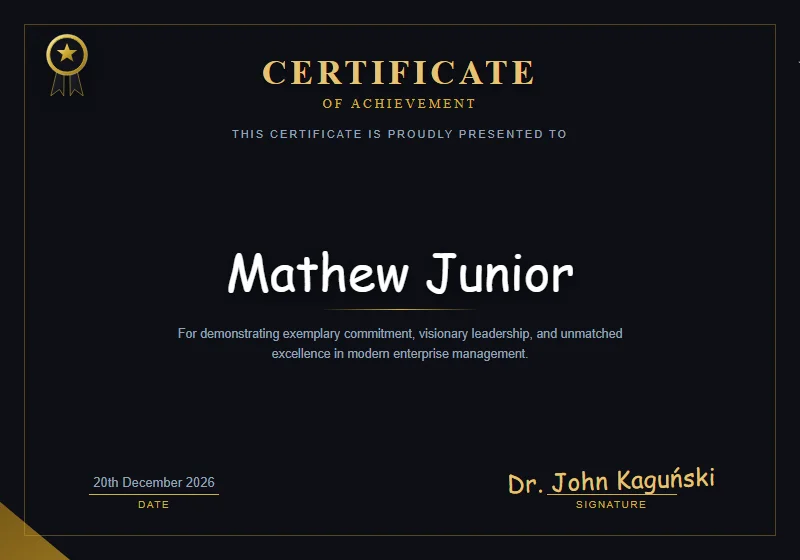 Luxury
 Midnight Executive
Deep obsidian dark theme, liquid gold curved corner arches, top-left star ribbon badge, and gold foil typography.
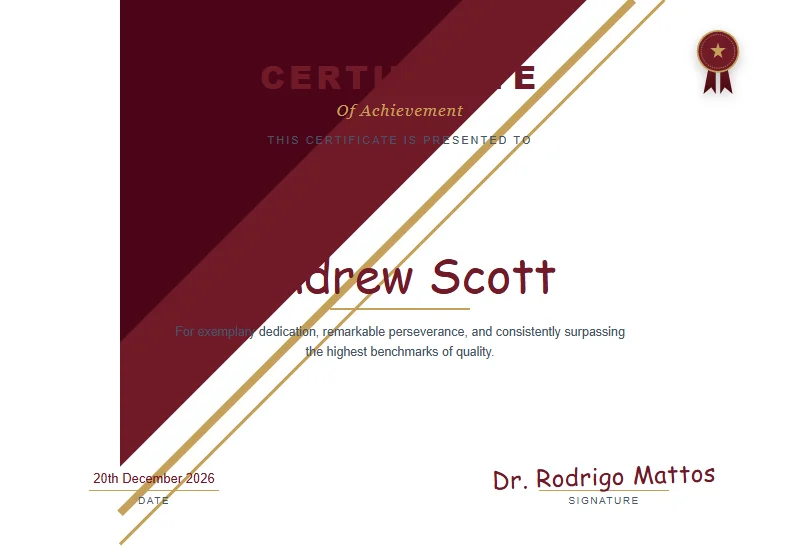 Modern
Crimson & Gold Regal
Dynamic diagonal crimson ribbons, gold pinstripe rules, and a luxury pleated rosette seal with ribbon tails.
 Luxury
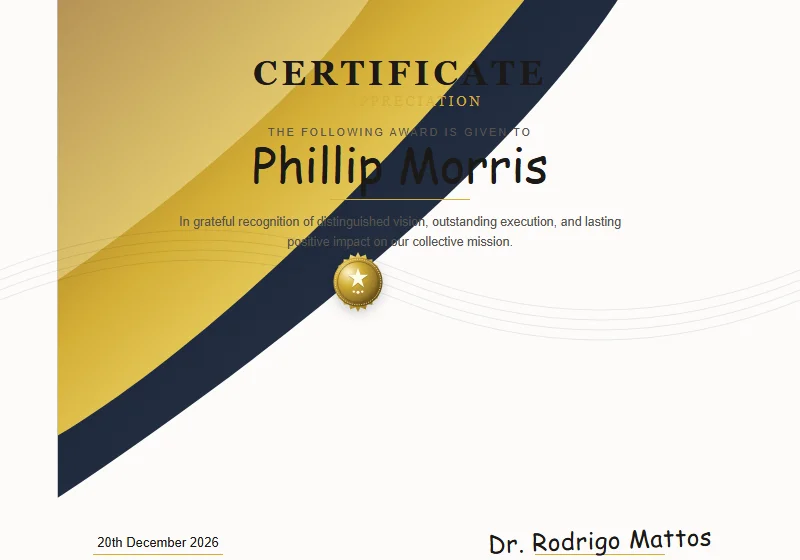
Fluid Gold Wave
Lustrous 3D fluid gold ribbon waves, subtle guilloche security wave texture, and embossed gold medallion.
 Modern
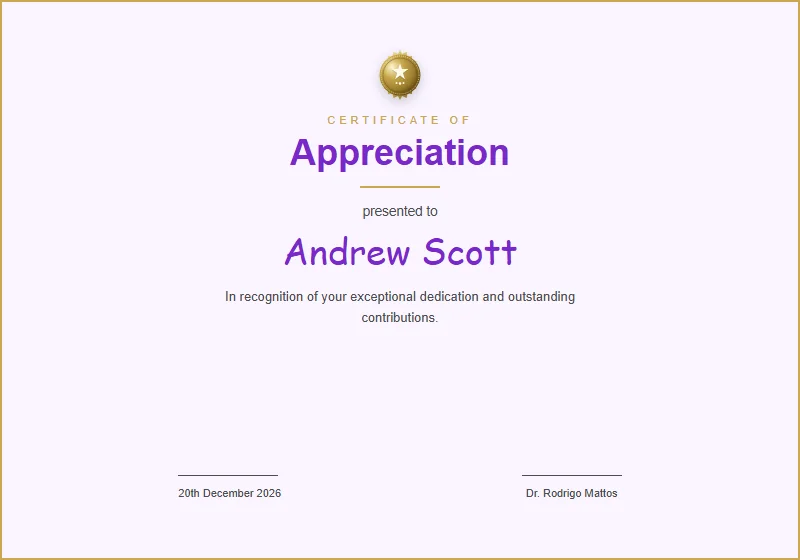
Appreciation Elegant
Refined purple and gold accents with elegant cursive typography for distinguished service appreciation.
 Luxury
 Gold Classic
Opulent black and gold design with rich borders and prominent seal for VIP honors and gala awards.
 Corporate
Modern Startup Agile
Dark mode tech certificate with subtle cyan grid accents, modern corner brackets, digital verification badge, and monospaced ID tags.
Copy-Ready Employee of the Month Wording Examples
Craft inspiring recognition messages with these professionally written citations. Copy and paste them straight into our free employee of the month certificate maker.
Exemplary Client Advocacy & Support
Recipient: Daniel Cooper
"In sincere recognition of achieving a 100% positive customer satisfaction rating, resolving complex escalation cases, and uplifting team morale throughout October 2026."
Sales Record Breaker & Growth Champion
Recipient: Elena Rodriguez
"Conferred for exceeding quarterly sales targets by 160%, closing key enterprise accounts, and mentoring incoming account executives with relentless passion."
Engineering Innovation & Tech Excellence
Recipient: Arjun Mehta
"For architecting critical database migrations with zero downtime, eliminating system latency bottlenecks, and exemplifying collaborative engineering spirit."
Operational Efficiency & Logistics Mastery
Recipient: Brenda Larson
"In honor of optimizing warehouse throughput by 22%, reducing delivery cycle times, and maintaining flawless workplace safety standards throughout July 2026."
Peer-Nominated Team Player of the Month
Recipient: Marcus Vance
"Elected by your colleagues for always extending a helping hand, solving cross-departmental bottlenecks, and infusing daily team standups with optimism."
Rising Star New Hire Recognition
Recipient: Chloe Bennett
"For ramping up rapidly during your initial 90 days, delivering creative campaign assets ahead of schedule, and establishing yourself as an indispensable contributor."
What to Include on an Employee of the Month Certificate
An employee recognition certificate should look distinguished enough to frame and hang on the office recognition wall or in an employee's home workspace. Ensure your design incorporates these key components.
Formal Recognition Title
State 'Employee of the Month', 'Employee of the Quarter', or 'Team Member of the Month' clearly at the top in authoritative lettering.
Employee Full Name & Title
Center the honoree's name in prominent typography, accompanied by their exact job title or department to give them distinct professional dignity.
Specific Accomplishment Citation
Include a 2–3 sentence citation detailing the exact metrics, peer nominations, or leadership qualities that earned this monthly distinction.
Company & Division Identity
Feature your business name, corporate logo, or department division prominently to establish brand consistency.
Executive & Managerial Signatures
Include signature rules for the CEO, VP of People Operations, or Department Director alongside legible printed titles.
Month, Year & Embossed Gold Seal
Clearly state the awarded month and calendar year alongside an official embossed gold rosette or metallic medallion seal.
Print It: Paper Weight, Margins & Free Printable Advice
When presenting monthly recognition awards at company meetings, physical quality matters. Follow these printing guidelines to create a free printable employee of the month certificate that your staff will proudly display.
📐 Dimensions: US Letter vs. A4
Export in standard North American US Letter (8.5 × 11 in) or international A4 (210 × 297 mm) formats, fitting universally into commercial certificate frames and plaques.
🔲 Margin Safety & Bleed
Pre-calibrated with 0.5-inch (12.7 mm) safety buffers, guaranteeing that corporate borders and signature blocks are never clipped by office laser or inkjet printers.
📄 Cardstock Weight (GSM)
Avoid lightweight 20 lb copy paper which curls easily. Opt for heavy 80 lb to 110 lb cover cardstock (216 to 300 gsm) to stay flat inside glass frames without sagging.
✨ Texture & Paper Finishes
A clean bright white linen cardstock delivers a textured executive feel that looks exceptional under office lighting without distracting reflections.
🖨️ Optimal Printer DPI Settings
Set your office printer to 'Heavy Paper / Cardstock' and verify that 'Scale: 100% Actual Size' is selected in print dialogues for crisp vector line art.
Why Choose Our Employee of the Month Certificate Maker & Templates?
Most free employee of the month templates online come in cumbersome Microsoft Word (.docx) or Google Docs formats. When HR managers try to update names or tweak citations in desktop software, text boxes jump across lines, logos blur, and custom fonts default to basic system fonts.
Certificate Maker AI modernizes employee recognition with our online employee of the month certificate maker. Customize your employee recognition templates online in minutes and download print-ready 300 DPI vector PDFs or high-resolution PNGs ready for immediate framing or digital sharing.
Frequently Asked Questions About Our Employee of the Month Maker
Everything you need to know about formats, printing, and creating certificates online.
Is this employee of the month certificate maker 100% free?
Can I print these certificates for office award presentations and framing?
Which formats are available for employee of the month certificates?
Why use this online editor instead of Microsoft Word or Google Docs templates?
Can I adapt these templates for Employee of the Quarter or Year?
Explore Related Certificate Makers
Explore our top specialized certificate creators, full template library, or return to the main certificate designer.
Certificate Maker Home
Free in-browser certificate creator with instant live editing, custom typography, and print-ready downloads.
AI Certificate Maker
Generate tailored titles, citation options, and smart template pairings in seconds from a simple text prompt.
Template Gallery
Browse 20+ designer certificate templates for achievement, appreciation, completion, and events.
Certificate of Appreciation Maker
Express heartfelt gratitude for dedicated service, leadership, and long-standing team loyalty.
Award Certificate Maker
Celebrate competitive excellence, sales triumphs, and annual corporate galas with regal awards.
Certificate of Achievement Maker
Recognize significant personal, academic, and professional milestones with distinguished formal certificates.
Ready to Create Your Certificate?
Start designing now with our free online visual editor. Pick a template, customize names, colors, and signatures, and download print-ready PDFs in seconds.