Free Award Certificate Maker & Templates
Create prestigious recognition awards, employee honors, and sports trophies online in minutes with our free visual editor.
Design distinguished award certificates for corporate galas, scholastic honors, athletic banquets, and non-profit ceremonies. Customize recipient names, executive citations, and metallic accents with no account registration needed.
How to Make an Award Certificate in 4 Simple Steps
Design and download your customized certificate in under two minutes with our zero-friction workflow.
Choose an Award Certificate Template
Select from authoritative navy-and-gold frames, midnight executive themes, and regal Victorian borders crafted for formal ceremonies.
Enter Award Title & Honoree Citation
Type the honoree's full name, formal commendation reason, organization name, and conferral date directly into our live browser canvas.
Fine-Tune Accents & Executive Seals
Adjust color palettes to match your institutional branding, toggle high-resolution gold medallion seals, and align dual signature lines.
Download PNG, JPG, or Print-Ready PDF
Instantly export your finished award certificate in crisp PNG, compressed JPG, or 300 DPI vector PDF formatted for framing and stage presentation.
Award Certificate Templates
Discover our premier collection of free award certificate templates. Each template is meticulously crafted with balanced geometric margins, regal corner embellishments, and customizable typographic hierarchy.
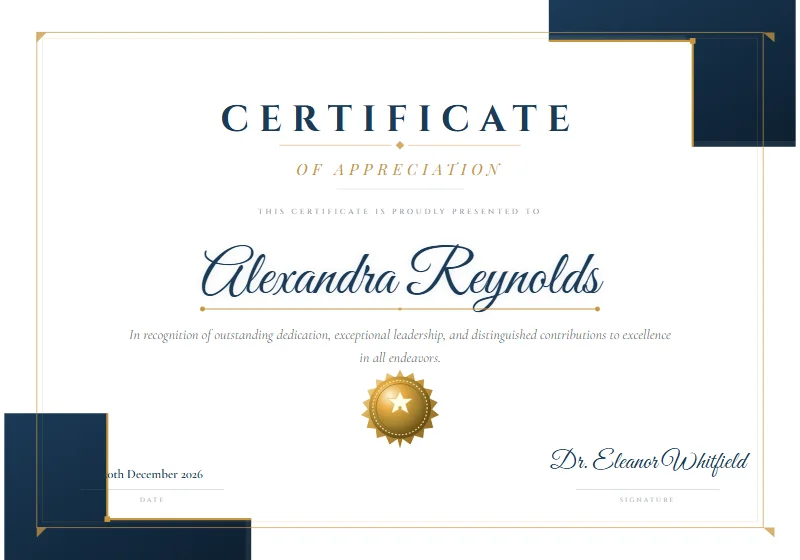 Modern
Navy Gold Frame
White background, navy L-shaped geometric corner blocks, thin gold inner border, Cinzel & Great Vibes typography, and a radial-gradient gold medallion seal.
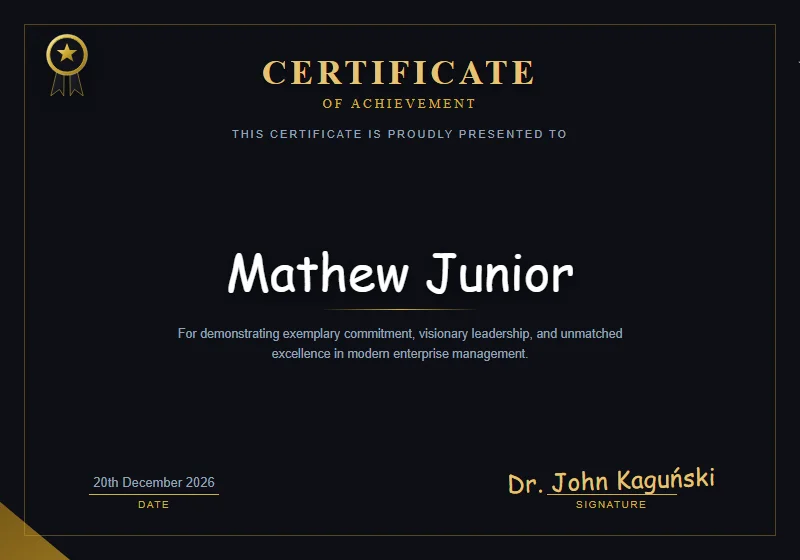 Luxury
 Midnight Executive
Deep obsidian dark theme, liquid gold curved corner arches, top-left star ribbon badge, and gold foil typography.
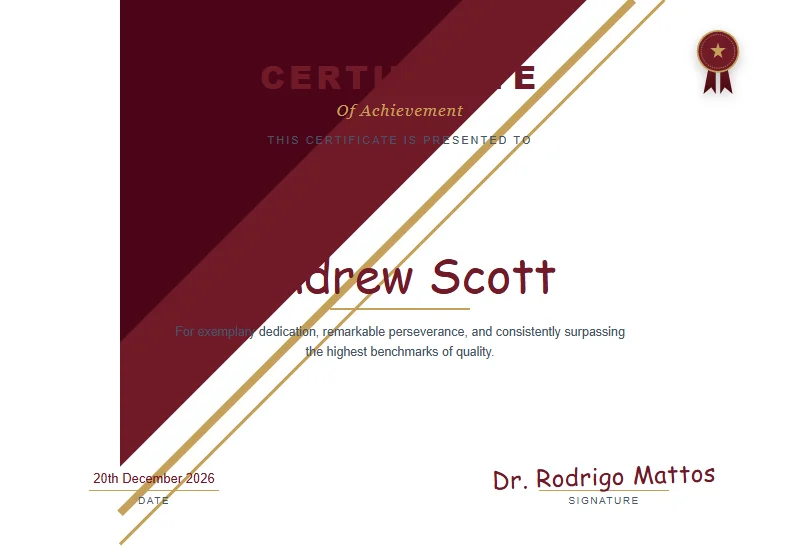 Modern
Crimson & Gold Regal
Dynamic diagonal crimson ribbons, gold pinstripe rules, and a luxury pleated rosette seal with ribbon tails.
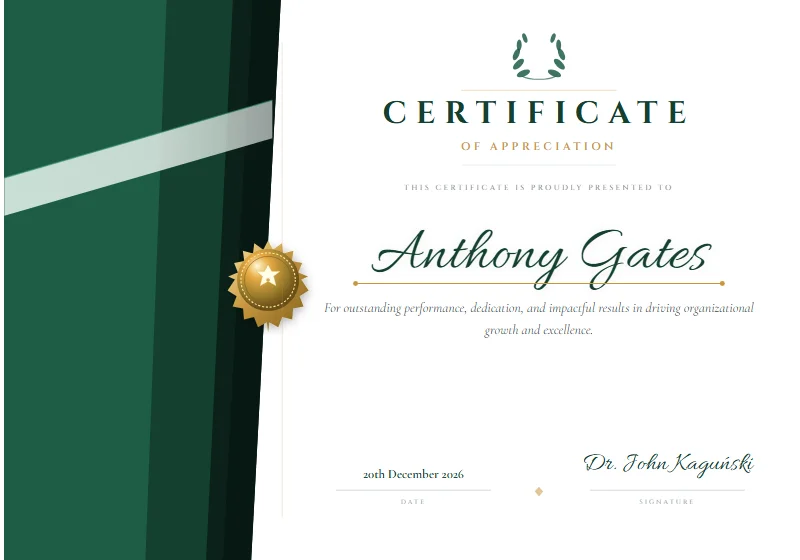 Corporate
Emerald Facet
Deep green diagonal facet panel with layered geometric shades, pale diagonal band, gold medallion badge on the left edge, and Allura script typography.
 Classic
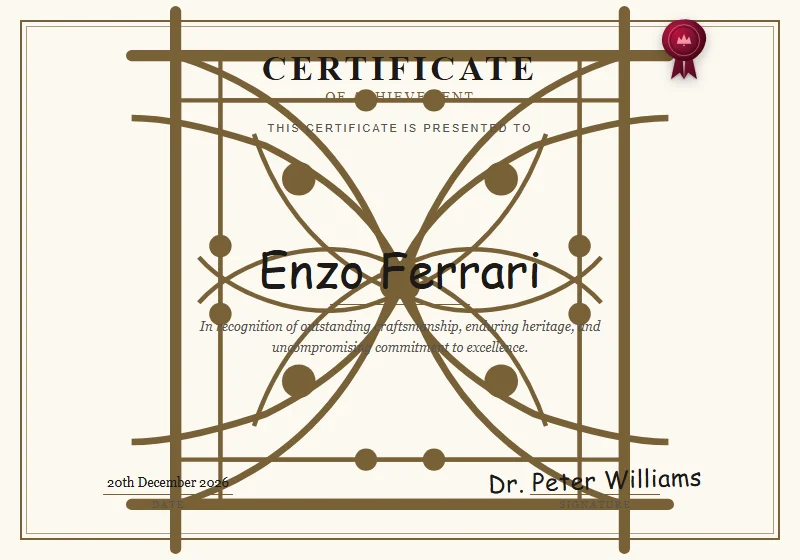
Vintage Victorian Heritage
Antique cream parchment, intricate Victorian corner filigree scrollwork, double border, and crimson wax seal.
 Academic
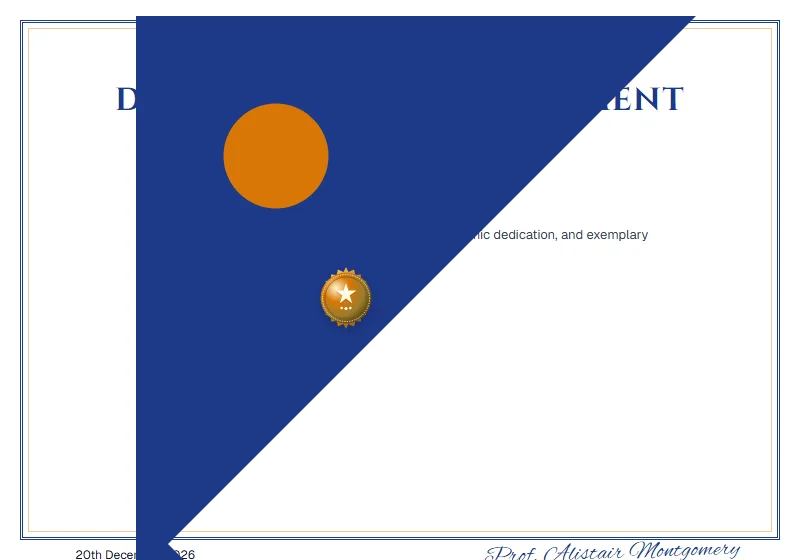
Royal Crest Distinction
Classical deep sapphire blue and imperial gold double pinstripe framing, heraldic gold corner accents, and Cinzel serif typography.
 Academic
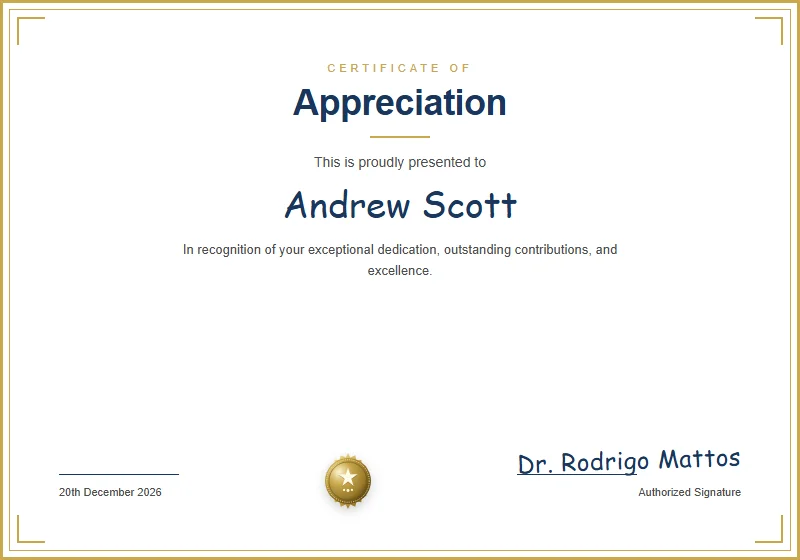
 Classic
Traditional academic diploma style with double border, formal serif typography, and gold honor seal.
 Minimalist
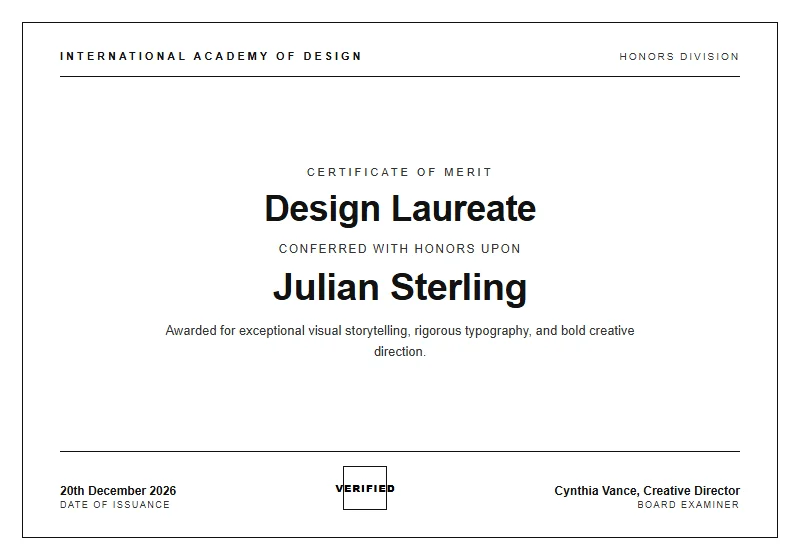
Monochrome Editorial
Architectural high-fashion minimalism, stark black & white contrast, crisp hairline borders, elegant tracking, and timeless typography.
Copy-Ready Award Certificate Wording Examples
Struggling to write the perfect recognition citation? Choose from these polished wording examples tailored for corporate banquets, academic galas, and athletic tournaments.
Executive Leadership Excellence Award
Recipient: Marcus Vance
"In sincere appreciation for exemplary strategic foresight, visionary guidance, and steadfast leadership that propelled our organization to historic growth."
Sales Champion of the Year
Recipient: Sarah Jenkins
"Awarded in celebration of surpassing annual quota targets by 145% and demonstrating unmatched commitment to client partnership and revenue expansion."
Innovation & Technology Breakthrough
Recipient: Dr. Elena Rostova
"Conferred for groundbreaking contributions to automated cloud architectures, fostering technological ingenuity and patents that redefine industry standards."
Outstanding Community Service Honor
Recipient: David K. Miller
"With profound gratitude for hundreds of volunteer hours devoted to youth literacy, community outreach, and enriching lives across our metropolitan region."
Varsity Athletic Championship Trophy
Recipient: Lucas Bennett
"Honoring exceptional competitive sportsmanship, athletic discipline, and vital game-winning leadership during the State Championship Tournament."
Distinguished Artistic Achievement
Recipient: Chloe Davenport
"Celebrated for extraordinary creative vision, technical mastery, and artistic expression exhibited at the 2026 Contemporary Visual Arts Biennial."
What to Include on a Formal Award Certificate
A well-designed award certificate commands respect on stage and looks stunning behind glass in an office frame. Make sure your layout incorporates these essential structural elements.
Distinguished Award Title
State the specific honor prominently at the top, such as 'Certificate of Award', 'President's Honor Award', or 'Excellence in Leadership'.
Recipient Full Name
Center the honoree's full professional name in the largest font on the certificate to give them primary visual hierarchy.
Detailed Commendation Citation
Write two to three sentences specifically citing the achievements, metrics, or personal dedication that earned this distinction.
Presenting Authority & Organization
Identify the company, academic institution, sports league, or non-profit board conferring the honor.
Conferral Date & Official Venue
Document the formal presentation date (Month, Day, Year) to create an archival record of the milestone.
Dual Signatures & Metallic Seal
Include signature rules for the presiding executive or head coach, anchored by a high-resolution gold medallion seal.
Print It: Paper Weight, Margins & Free Printable Advice
When presenting awards at a public ceremony, tactile paper quality makes all the difference. Turn your digital design into a free printable award certificate that recipients cherish for a lifetime.
📐 Dimensions: US Letter vs. A4
Our awards export cleanly to standard US Letter (8.5 × 11 in) and international A4 (210 × 297 mm) formats, fitting universally into display certificate frames.
🔲 Margin Safety & Bleed
Pre-set with 0.5-inch (12.7 mm) safety buffers, guaranteeing that ornate gold borders and signatory lines remain completely inside printable boundaries.
📄 Cardstock Weight (GSM)
Standard 24 lb paper easily creases. Always use heavyweight cover cardstock between 90 lb and 110 lb (240 to 300 gsm) to stay rigid inside presentation folders.
✨ Texture & Paper Finishes
Parchment cardstock provides traditional scholarly gravitas. Alternatively, heavy white linen cardstock delivers a contemporary executive feel that prevents stage lighting glare.
🖨️ Optimal Printer DPI Settings
Select 'Heavy Cardstock' in your printer tray settings and configure the print dialogue to 'Actual Size (100%)' at 300 DPI resolution for laser-crisp serif text.
Why Choose Our Free Award Certificate Maker & Templates?
Searching online for award certificate templates often leads to messy Microsoft Word files (.docx) or Google Docs documents. When opened, these files frequently misalign signature rules, distort vector corner frames, replace custom fonts with default Arial, and fail to scale correctly across different office computers.
Certificate Maker AI delivers a superior alternative with our purpose-built online award certificate maker. You edit your certificate in real time within your web browser, ensuring that the typography, borders, and colors you see on screen match your exported print file with sub-pixel precision.
Frequently Asked Questions About Our Award Certificate Maker
Everything you need to know about formats, printing, and creating certificates online.
Is this award certificate maker 100% free with no watermarks?
Can I print these award certificates for formal presentation ceremonies?
Which formats are supported for downloading award certificates?
Why should I use this web tool instead of Microsoft Word award templates?
Can I add multiple authorizing signatures to an award certificate?
Explore Related Certificate Makers
Explore our top specialized certificate creators, full template library, or return to the main certificate designer.
Certificate Maker Home
Free in-browser certificate creator with instant live editing, custom typography, and print-ready downloads.
AI Certificate Maker
Generate tailored titles, citation options, and smart template pairings in seconds from a simple text prompt.
Template Gallery
Browse 20+ designer certificate templates for achievement, appreciation, completion, and events.
Certificate of Achievement Maker
Celebrate significant milestones, scholarly feats, and training successes with refined achievement templates.
Employee of the Month Maker
Motivate and reward standout team members with monthly and quarterly corporate recognition awards.
Certificate of Completion Maker
Issue verified course, seminar, and certification credentials with professional academic designs.
Ready to Create Your Certificate?
Start designing now with our free online visual editor. Pick a template, customize names, colors, and signatures, and download print-ready PDFs in seconds.